

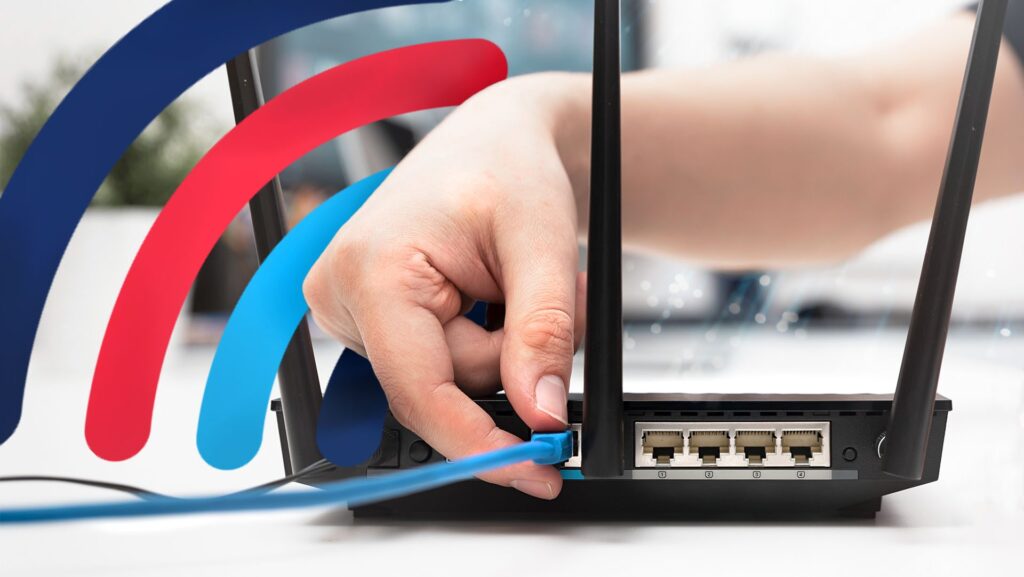
Wired networking is usually dependable, but a damaged cable, loose connector, failing port, or unsuitable cable run can cause intermittent disconnects and slower-than-expected speeds. Ethernet cable issues are easier to isolate when you change one part of the connection at a time instead of immediately blaming the router, computer, or internet provider.
Start With the Physical Connection
Check both ends of the Ethernet cable. Each connector should sit firmly in its port, and the retention clip should hold it in place.
Inspect the cable for sharp bends, crushed sections, exposed conductors, damaged connectors, or places where furniture presses against it. A cable can look acceptable from across the room while still having physical damage near a plug.
People reviewing computer networking topics should still begin with this basic inspection because physical faults are among the quickest problems to rule out.
Watch the Port Indicators
Many Ethernet ports have link or activity lights. Their exact meaning differs by hardware, but a completely dark port when a connected device is powered may indicate a connection problem.
Don’t treat the light pattern as a universal diagnostic code. Check the equipment documentation if its indicators are unclear.
Swap One Component at a Time
Replace the suspected cable with a known-good cable. If the problem disappears, the original cable becomes the leading suspect.
If the problem remains, move the connection to another router or switch port. You can also test another device on the same cable to separate a computer-side problem from a network-side problem.
General technical troubleshooting resources may cover many possible faults, but controlled substitution usually gives clearer answers than changing several settings simultaneously.
| Test | What It Checks | Useful Result |
|---|---|---|
| Replace cable | Cable condition | New cable fixes issue |
| Change port | Router/switch port | Other port works normally |
| Test another device | Device network adapter | Second device stays stable |
| Reduce cable path | Run/environment | Shorter run works correctly |
Match Cable Capability to the Network
Ethernet categories have different performance specifications, but buying the highest-numbered cable available isn’t always necessary. Your router ports, switch, computer adapter, cable length, and internet or local-network requirements all affect actual performance.
For many ordinary home networks, a properly made modern Ethernet cable is more important than marketing language printed on the package.
Readers browsing digital technology information may see claims that expensive cables automatically reduce internet latency. Once a cable properly supports the connection without errors, replacing it with a far more expensive cable usually doesn’t transform the internet service itself.
Avoid Poor Cable Routing
Ethernet cables shouldn’t be tightly stapled, sharply bent, crushed under doors, or repeatedly rolled over by furniture. Permanent runs also deserve appropriate cable types and installation practices.
Keep network cables organized so connectors aren’t carrying the weight of the cable.
Check Longer Runs Carefully
Problems that appear only on long runs can involve cable quality, termination, interference, or installation damage.
Testing with a shorter known-good cable near the router can help determine whether the long run deserves further inspection.
Where Ethernet Troubleshooting Often Goes Wrong
Changing DNS settings, reinstalling browsers, or resetting the router won’t repair a broken conductor inside an Ethernet cable. Software changes can distract from simple physical faults.
The opposite mistake also happens. People repeatedly replace cables when the real problem is a failing network adapter, router port, switch, or internet connection.
Use substitution logically. One change at a time produces evidence; changing five components together only shows that something changed.
Frequently Asked Questions
Can an Ethernet cable cause slow internet?
Yes. A damaged or poorly connected cable may force a lower link speed or create errors. However, slow internet can also come from the router, device, network congestion, or internet service.
Do Ethernet cables wear out?
They can. Frequent bending, connector damage, pinching, moisture, poor termination, and repeated movement can eventually make a cable unreliable.
Is a more expensive Ethernet cable always faster?
No. Once a properly constructed cable meets the required specification for your equipment and distance, paying substantially more doesn’t automatically increase the speed available from your internet connection.
Find the Fault Before Replacing Everything
Begin with connectors and visible damage, then test a known-good cable, another port, and another device. That sequence separates Ethernet cable issues from adapter, router, switch, and service problems without unnecessary resets or purchases. Stable wired networking usually comes from sound connections and methodical troubleshooting rather than expensive upgrades.